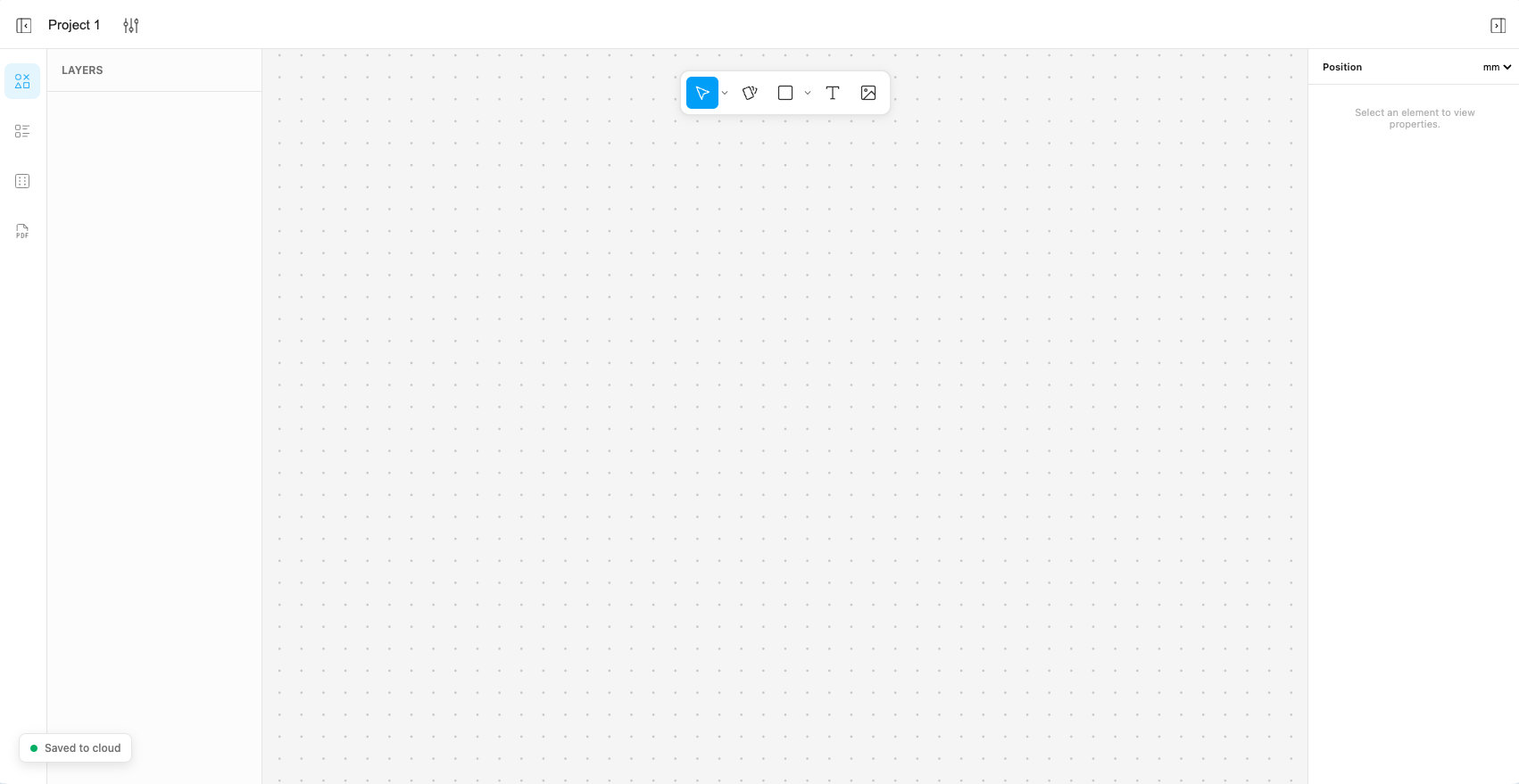
Welcome to the latest update! This release focuses heavily on bringing a professional, frictionless design experience to your board game and educational card creation. We’ve redesigned our typography system, introduced full image handling, added local saving, and implemented several highly requested interactions.
Major New Features
- Local & Cloud Saving: Never lose your progress. Projects are now saved locally so you can keep working, with the ability to upload and sync to the server when you are ready.
- Complete Image Management: Uploading artwork is now seamless. Drag and drop images directly into the browser, or use the new image button in the top toolbar. Images act just like other canvas elements and support all popular formats. (Note: Max size is 5MB and 5000x5000px. Oversized images will trigger a helpful alert).
- Advanced Typography Control: Text is no longer a static field! We’ve added a new typography engine. You can now browse a full list of available fonts and adjust font size and font weight dynamically from the element settings.
- Pixel-Perfect PDF Export: Export your decks for print with absolute precision. We’ve also added the ability to split your exports into custom file sizes, moving beyond just standard A4 and A3.
- Dynamic Sub-Templates: You can now nest templates (like inserting “2 stars” or “3 stars” into a card) via a new dropdown list.
Improvements & UI Changes
- Canvas Interactions: Hold
Shiftwhile resizing an element for proportional scaling. General shape editing and resizing have also been updated. - Mobile Zoom: You can now zoom in and out smoothly on mobile devices.
- Top-Center Toolbar: The shape tools (rectangle, circle, text) have been moved from the bottom bar to the top center of the screen for quicker access.
- Precise Measurements: Shape dimensions are now displayed in mm/inches in the right sidebar.
- Solid Color Fills: You are no longer restricted to image fills for rectangles; you can now easily fill them with solid colors.
- Smart Property Menus: The properties panel is now context-aware. If a node uses an image, you’ll see an image selection button (which includes a handy dropdown of previously used images). If it’s a standard rectangle, you’ll just see a color selector.
- Data Table Upgrades: Navigating your data is easier with a new visual card preview added to every row.
- Cleaner Workspace: Groups containing generated cards are now collapsed by default in the tree view to keep your layers organized.
Bug Fixes
- Smooth Rotated Resizing: Fixed an issue where resizing elements on the canvas felt jerky if the element was rotated.
- Tree View Group Selection: Groups can now be properly selected in the tree view, which restores the ability to delete entire groups at once.
- Accurate Tree View Menus: Fixed an issue where the “Group items” menu would incorrectly show up even if only a single item was selected.
- Clearer Group Settings: Selecting a group in the tree view will now properly display a “Select an element to see settings” prompt in the sidebar instead of a blank or broken state.
- Drag-and-Drop Table Visibility: Fixed a bug where images added via drag-and-drop were successfully making it to the canvas but failing to appear in the data table.
Let us know if you would like to see some specific features or just share your feedback at [email protected]!