Card & Board Game Design Tool
Design, play, and print cards and components for your next card, board, or vocabulary game. Get started quickly—no scripting or lengthy tutorials required.
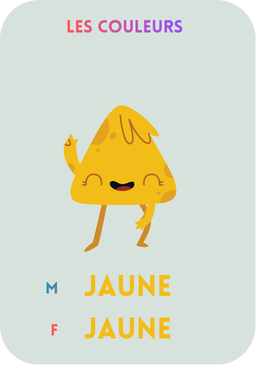
What makes SalutCard different? Simple—we don’t just build the app, we use it ourselves to create board games and flashcards for learning languages. Not sure where to start? Just pick one of our templates. Our goal is to make card and board game creation as easy as writing your ideas in a notebook.
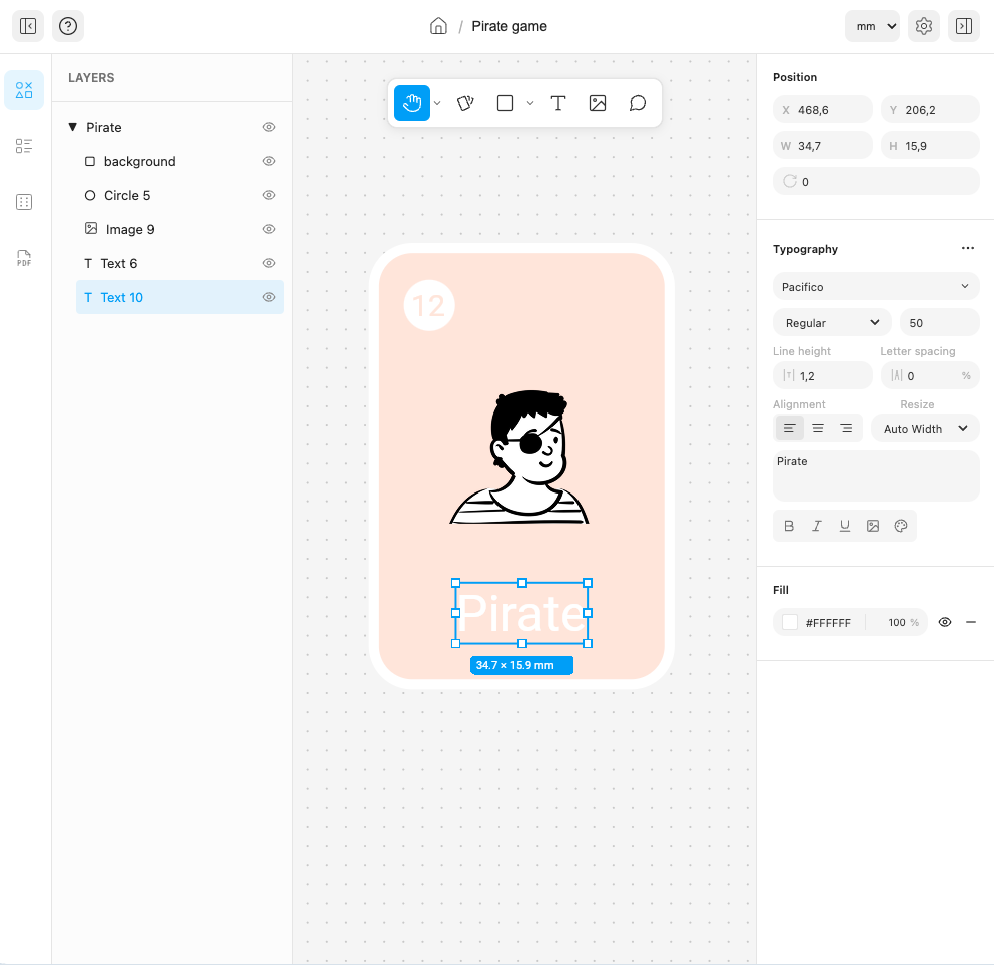
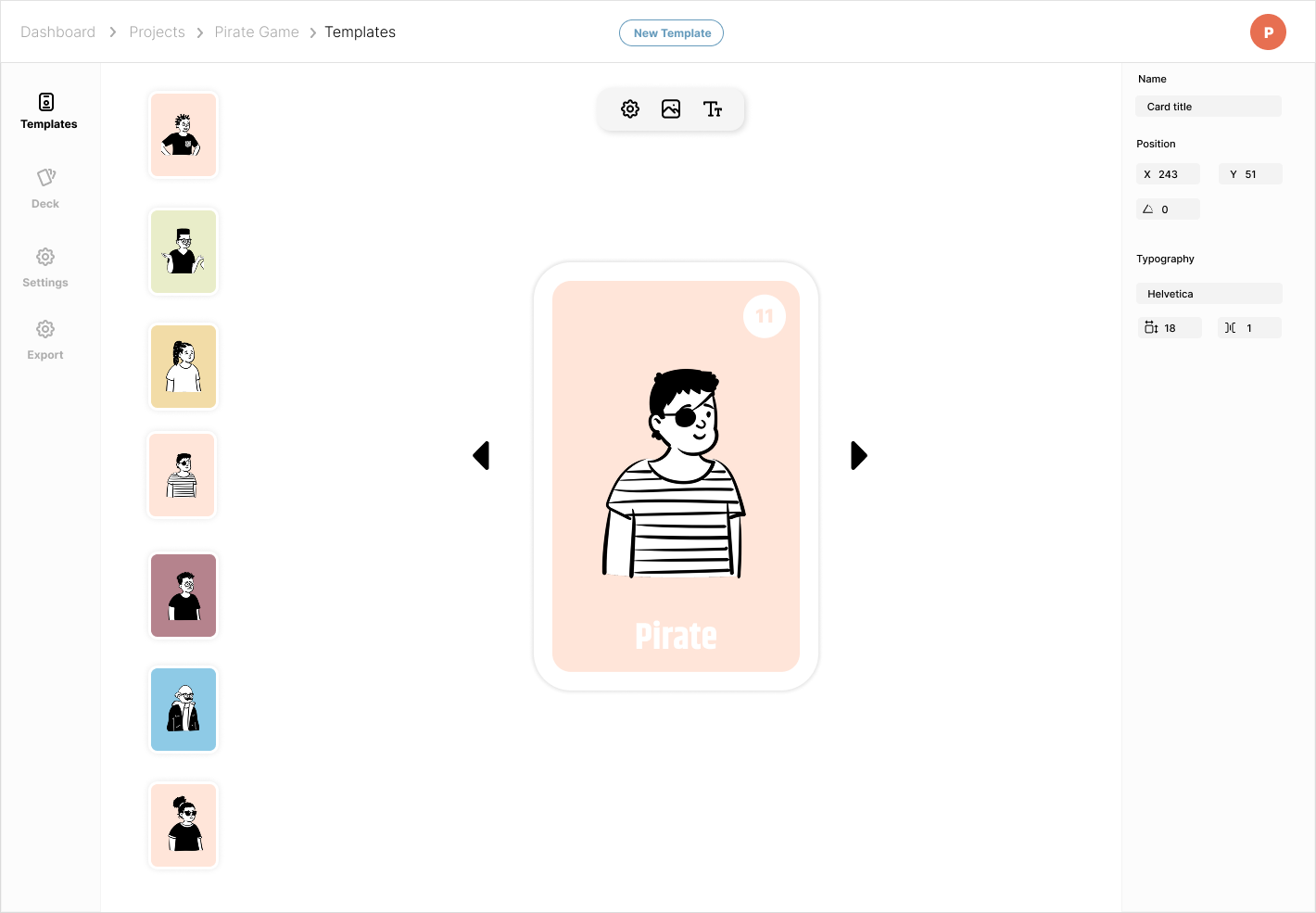
SalutCard includes an easy-to-use design editor with an infinite canvas where you can design almost any game component (or templates from which you can generate many components with the same layout but different text, images, backgrounds, and more). You can create cards, tiles, boards, tokens, and other game elements.
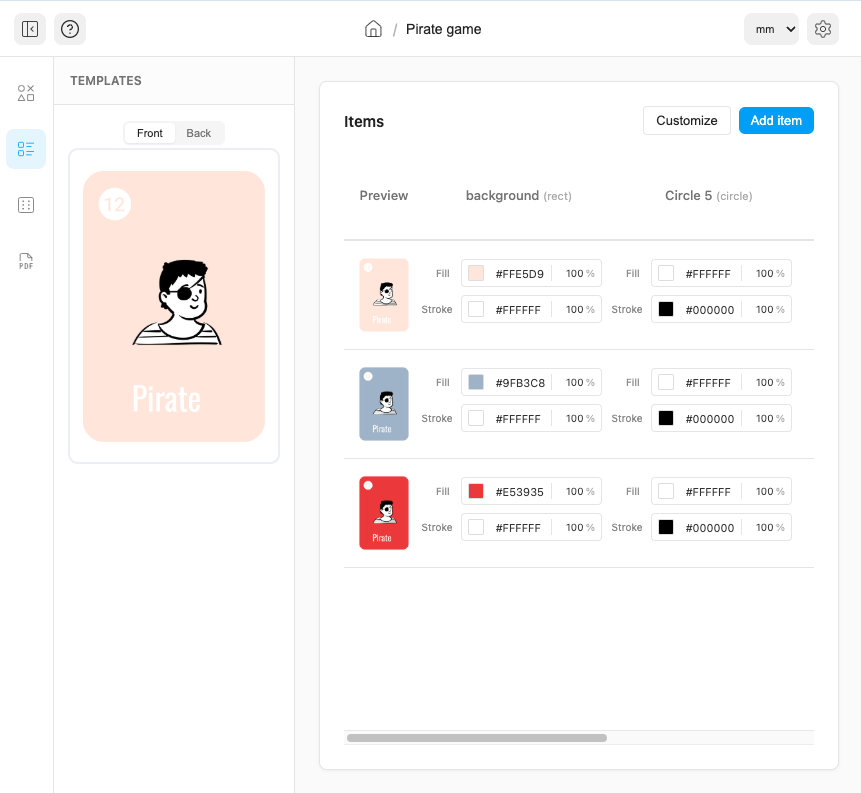
Each template created in the design editor can be used to generate multiple game elements (cards, tokens, and more) with the same layout but different text, icons, images, and backgrounds. For example, you can create multiple cards from a single template with different scores, illustrations, or background colors. SalutCard includes built-in spreadsheet functionality, so you don't need external apps like Excel or Google Sheets to manage your game's data.
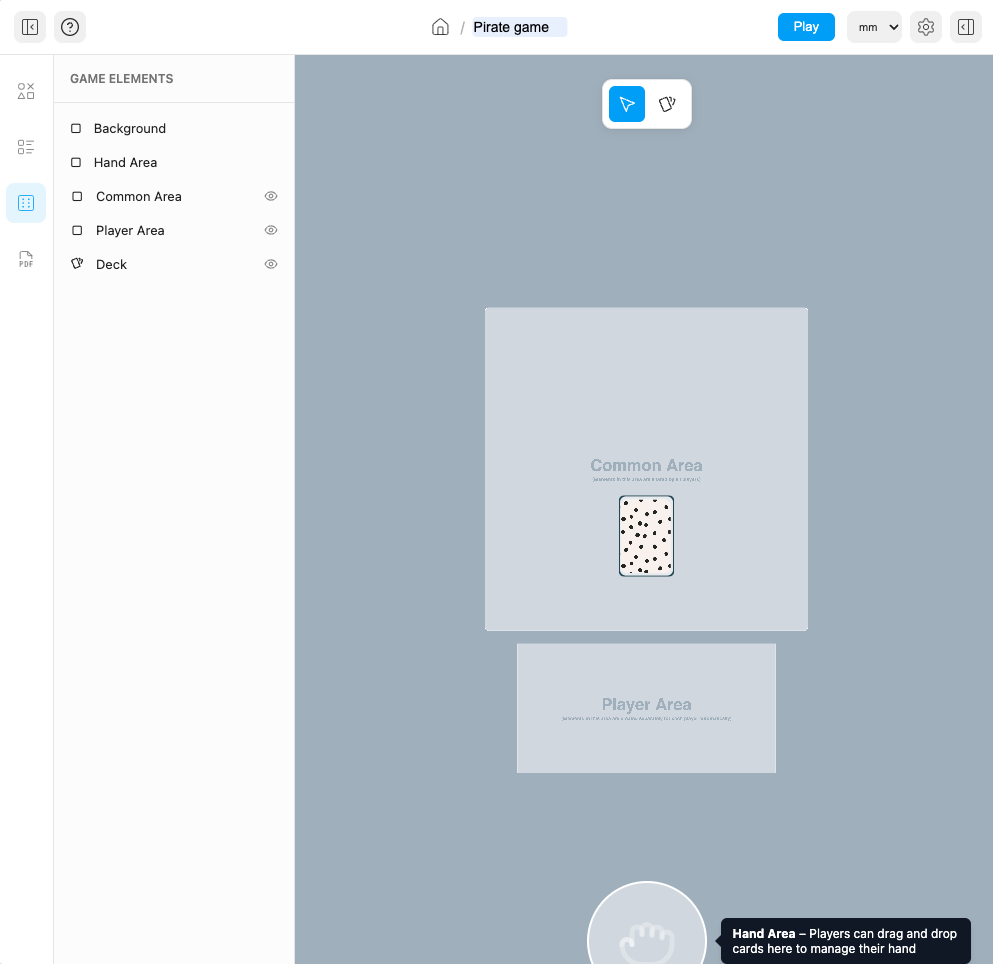
You can create a digital (online) version of your game without using external services like Tabletop Simulator. This can be used for playtesting, providing a demo before purchase, or even selling a digital version of your game. Unlike many other services, we don't charge any additional fees for this feature.
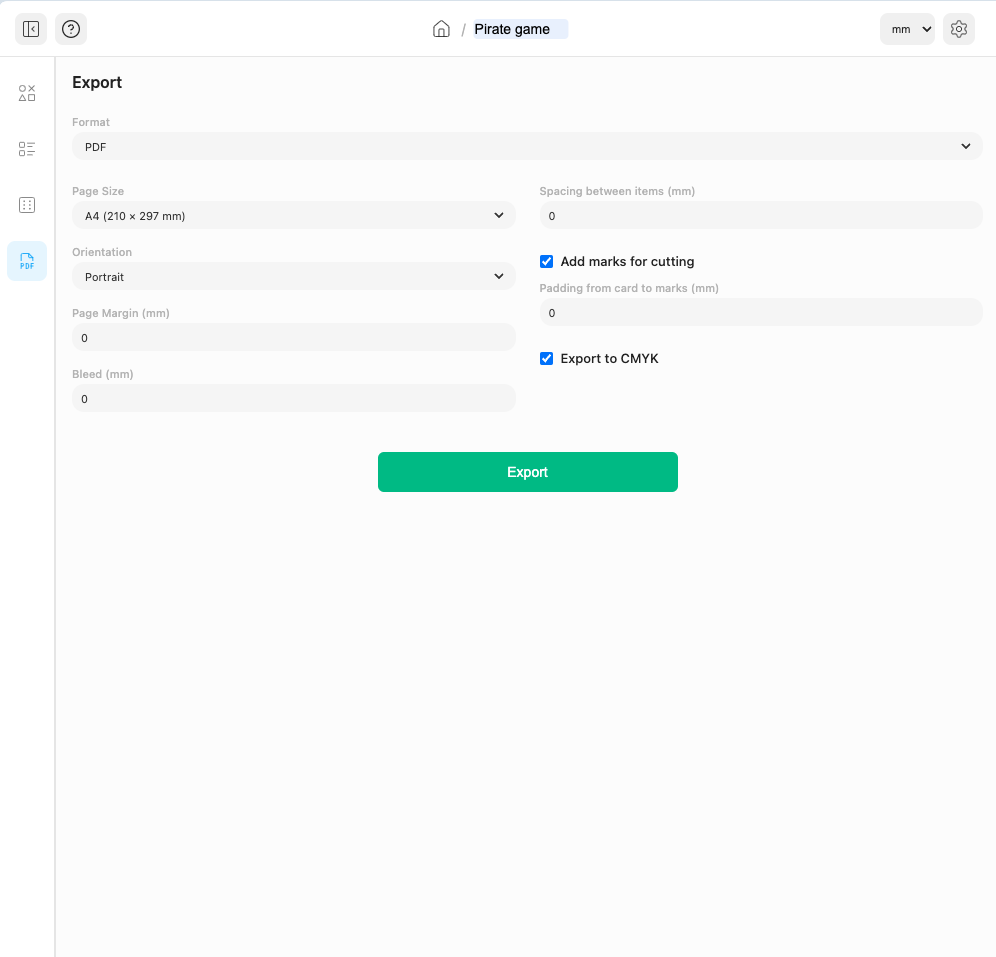
When your game is ready, you can export it as a PDF with a custom page size or even one game element per page. Support for CMYK color and bleed areas makes preparing files for professional printing much easier. You can also export your game as image files.
(Just a few ideas—the possibilities are endless!)
For beginners starting their game design journey.
For serious game creators.
For publishers and advanced game creators.
No, you don’t. Everything in SalutCard is interactive—you can create templates like in other graphical editors, drag and drop elements, enter text, add images, and much more without writing any code.
It’s simple—SalutCard consists of two words: the French "salut" (/sæˈluː/, meaning “hi”) and the English word "card." It was originally designed to create card games for children learning French, which is why it has this name.
Yes, you can play your card game online using SalutCard. You can even play with other users remotely, making it a great way to test your game before printing.
You can generate a full deck in seconds. Just update the text, images, or template, and all cards in the deck will be updated automatically.
Yes. The app works on both mobile and desktop, so you can design anywhere—on the bus, at school, or at home.
Yes. You can create a deck and share it with friends, classmates, or students. They can open it instantly and start playing or learning.